Why Winsly · Job search
Winsly vs Jobscan: keywords, or evidence
Choose Jobscan if getting past applicant tracking filters is your main worry and you apply to many postings. Choose Winsly if you want every claim backed by a logged win, and a record that keeps working between searches. Many people can use both.
At a glance
| Jobscan | Winsly | |
|---|---|---|
| Wins log, next-level bar and review case | No | Yes |
| Match rate against a posting’s applicant tracking system | Yes, its core | No |
| Finding roles | Jobs matched to your resume, with Top Match and Good Match labels | The job boards and career pages of companies you choose, scored daily |
| Tailored resume and cover letter | Yes | Yes |
| Every claim cited and checked against your record | No: it optimizes the words for a posting | Yes |
| Applying | Auto Apply (June 2026) drafts each application; review is the default | You send each one yourself |
| LinkedIn optimization | Yes | No |
| Interview practice | Yes, as a paid extra | Yes: rehearse your stories, scored |
What Jobscan does well
- More than a decade of work on applicant tracking systems: it detects the system behind a posting and scores your resume against it (Jobscan).
- Auto Apply, launched June 10, 2026, drafts applications into Greenhouse, Lever, Workable and 20 or more other systems, with a review step by default (Auto Apply).
- LinkedIn optimization, interview practice, and partnerships with university career centers.
Where Winsly is different
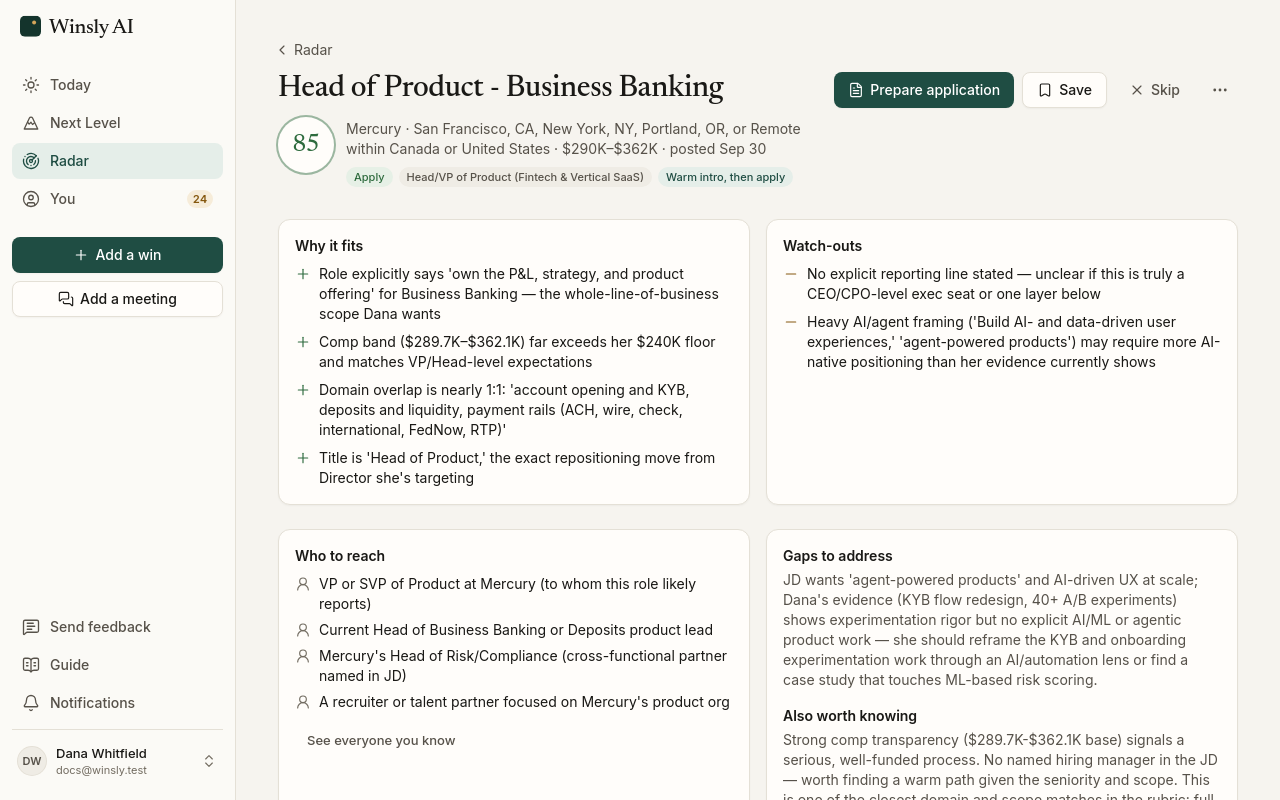
- Every line shows its source. Jobscan tunes the words to match a posting. Winsly makes sure every claim is backed by a logged win, and checks it before you see the draft.
- The bar in your manager’s words. A bar for your next level, the wins that prove it and a review case, for the promotion where you are.
- Roles worth your time. Fit labels with up to three must-haves, from the companies you choose, rather than a match rate alone.
- Simple billing. No per-application credits.
Both leave the final send to you by default, so that isn’t the difference.
Who should choose which
- Jobscan if getting past applicant tracking filters is your main worry and you apply to many postings.
- Winsly if you want each claim backed by your record, and a record that keeps working between searches.
- Both: run a resume Winsly wrote through Jobscan’s free scans as a final check.
Prices, checked October 13, 2026
| Product | Price | Source |
|---|---|---|
| Jobscan | Free, 5 scans a month | jobscan.co |
| Jobscan Premium | $49.95 a month, or $89.95 every 3 months with a 7-day free trial | Jobscan plans |
| Jobscan Auto Apply | Needs Premium (2 credits a month); packs of $8.50 for 5, $15 for 10, $35 for 25 | jobscan.co/auto-apply |
| Winsly | Free; Pro $20 a month or $200 a year; Advisor $50 a month or $500 a year | Pricing |
Prices and features change. See something out of date? Write to support@winsly.ai. Product names are trademarks of their owners.
Questions
How much does Jobscan cost?
Free gives 5 scans a month. Premium is $49.95 a month, or $89.95 every 3 months with a 7-day trial, as of October 2026. Auto Apply credits are extra. Refunds are only within 2 days of a charge, if unused, minus a 3.5% fee.
Is Jobscan worth it?
If applicant tracking filters are your main worry and you apply widely, it’s built for exactly that. If you want a stronger case behind each application, the words matter less than the evidence behind them.
Does keyword matching beat a stronger case?
Both matter. Keywords help a resume get read; evidence makes it hold up once it is. Winsly writes from your wins and cites each claim.
Can I check a Winsly resume in Jobscan?
Yes. Download it from Winsly and run it through Jobscan’s free scans.