Guide · Get promoted
Ask your advisor
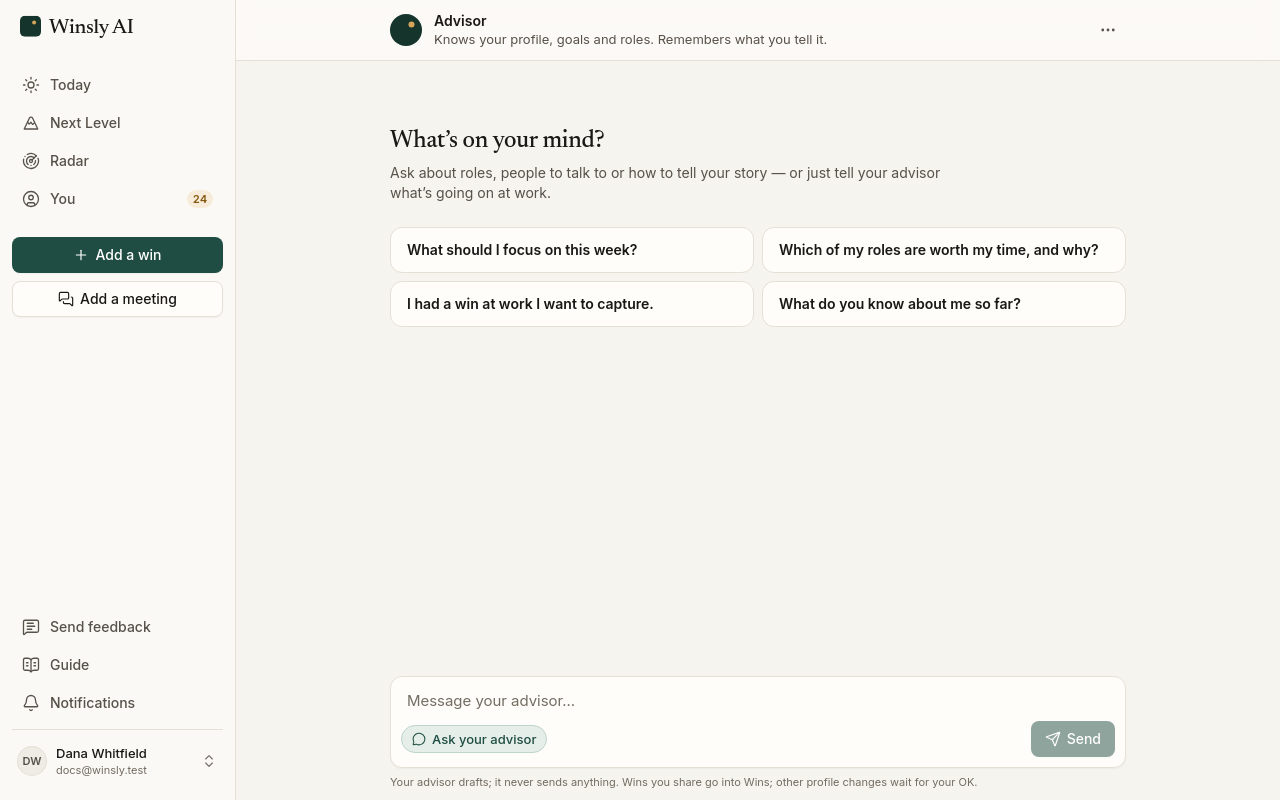
An advisor built on a CFO’s ten-year playbook, run on your record: it answers, drafts changes for you to approve, and never sends anything.
Ask your advisor is on Today, on the Advisor plan (and your first 14 days on Pro include it; on Free and Pro the box shows Ask · Advisor plan). Switch the box on Today from Add a win to Ask your advisor (tap the chip at its bottom left, or press Shift+Tab in the box) and send: your advisor opens with your question already asked. Unlike a general chatbot, it has already read your record: your profile, your wins, your search, your roles and your applications.
How it advises
Your advisor follows a method written by a CFO who went from junior analyst to CFO by keeping a log of his wins and asking for the next level every review cycle:
- Get the test defined before you take it.
- Show you’re already doing the job above yours.
- Take on bigger, messier work.
- Ask every cycle, with the proof in hand.
It runs the full playbook on your own record: when to ask, which scope to take on next, and practice for the conversations that matter. It recommends one next move at a time. It can’t promise a promotion or an offer. What it can do is show you what your record proves and what would make the case stronger.
What it can do
- Answer questions about a role, your search or your promotion case, with your history in view.
- Lay your wins against the bar for your next level, and say whether this is the cycle to ask for the promotion or for the work that would close the biggest gap.
- Open your self-review, a manager update or your interview stories when one of them is the next step.
- Set up a practice conversation when you’re preparing for one that matters.
- Add a win you tell it about.
- Draft changes for you to approve: to your search, an application, or a message to a contact.
- Remember what matters to you. You can see and edit what it remembers.
What it won’t do
It never sends anything. Every change it drafts waits for you to approve it, and every message it writes is yours to send.
It checks in on its own
Your advisor also works without being asked: before an event you mentioned, when an application has gone quiet, or on Fridays to ask what moved at work.
About once a week it also suggests a next move for your next level. That might be getting the bar defined by your manager, or planning the ask before your review: for the promotion when most of the bar is shown, otherwise for the work that would close the biggest gap. It might be a piece of work to ask for when a gap has stalled, sharing what moved with your manager, or what to do after your review. You can change how often it checks in, or turn it off, in Settings → Notifications. It can prepare applications on its own for strong roles at your dream companies, ready for you to review.
See Plans for what each plan includes.