Guide · Start here
Get started in three minutes
Say what you want, see the bar for the level above you and the wins that already prove it, and get your resume aimed where you’re going. About three minutes.
Winsly is built to be useful on day one. Setup takes about three minutes. You say what you want from your next step, and Winsly shows you the bar for the level above you, the wins that already prove it, and your resume aimed at where you’re going. It only asks what it can’t read from your resume.
1. What you want
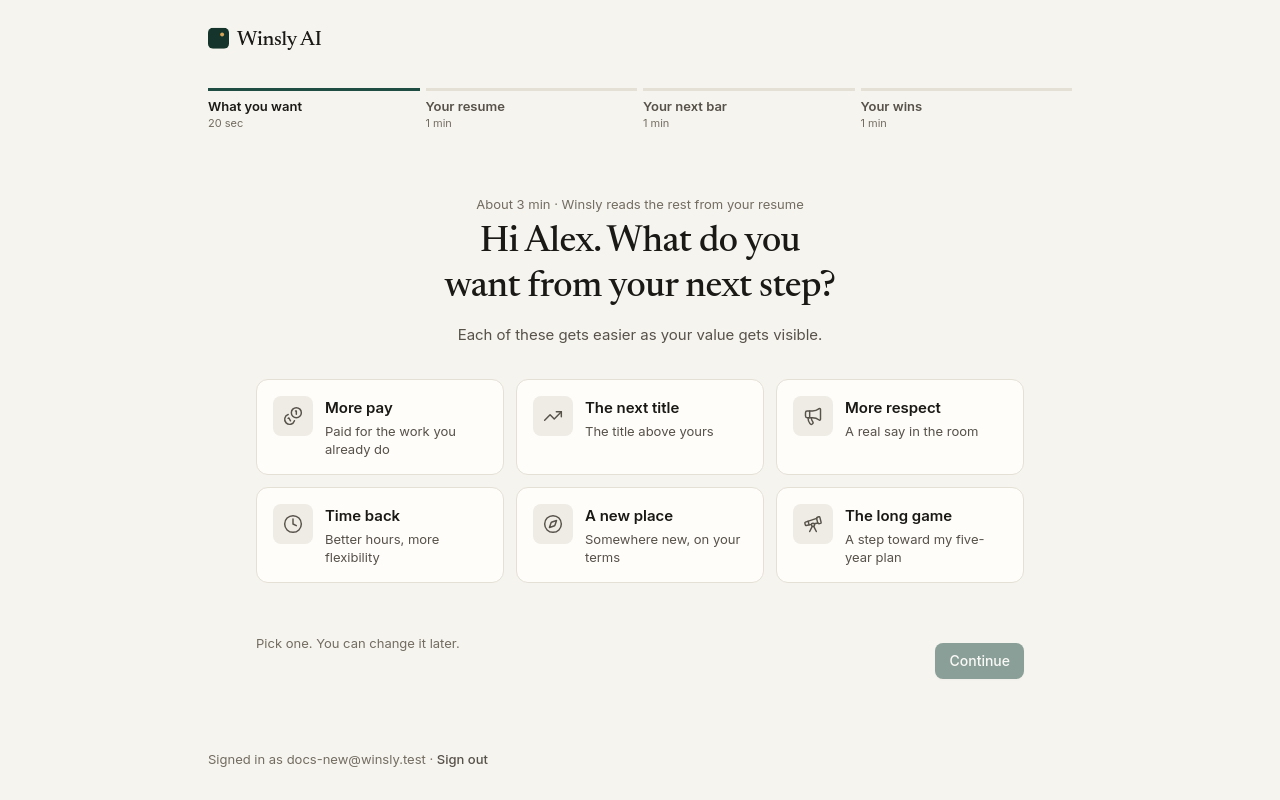
Pick the one that fits today: more pay, the next title, more respect, time back, a new place or the long game. Add a detail if you like (a number, a title, a place). Each of these gets easier as your value gets visible, and that’s what the rest of setup builds.
2. Your resume
Add your resume, or your LinkedIn profile saved as a PDF. Winsly starts reading straight away while you go on, so you never wait on it.
If you’ve moved on since your resume was written, say so: Winsly asks where you are now, and you can keep your employer private. No resume handy? Tell it the role you’re in instead.
Because Winsly reads your history, your wins log starts with the wins already in it. You don’t begin from a blank page.
3. Your next bar
Winsly drafts what the level above you is judged on, in plain words, from what you want and the role you’re in. It fills in as you watch. Change any line, or the title you’re aiming for. If your manager has told you what it takes, or you have a review or level guide, add it and Winsly builds the bar from their words.
Two optional taps set your timeline: when your next review is, and when you want to get there.
4. Your wins
Winsly picks two wins from your resume that already show the work and asks if they’re still right. Then add one thing you got done lately, in your own words. If your current role isn’t on your resume, add two.
Your resume, aimed where you’re going
Then the payoff: your resume rewrites itself into a version pitched at the level you’re going for, every line backed by something you did. The wins you just confirmed and added are marked, and you see how much of your bar you’re already showing. Download it as a PDF, or carry on to Today, your home in Winsly.
Your next step
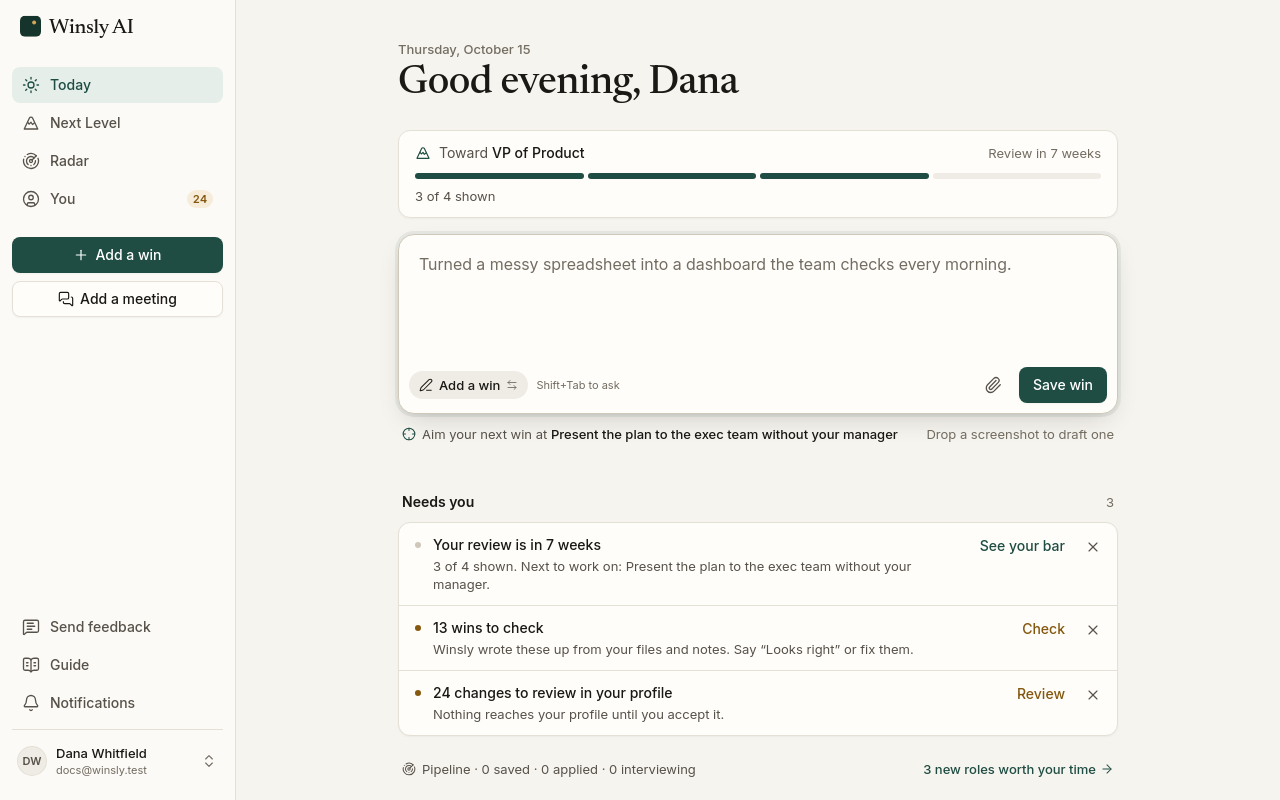
Today is where you log your wins as they happen. Each one is linked to your bar, so you can see the next level getting closer. Your bar and its timeline live on Next Level.
When you want to look at roles somewhere new, set up a search on Radar in a minute (the roles Winsly would look for, and how actively you’re looking), on Pro and Advisor. Once it finds roles, Radar offers your first application on Winsly.
Signing in
There are no passwords. At winsly.ai, choose Continue with Google or Continue with LinkedIn, or enter your email and Winsly sends a link that works once, for 15 minutes. Whichever you use, your first sign-in starts your free account.
Google and LinkedIn share only your name, email address and photo. If you already use Winsly at the same email, you land in that account. To sign in with a Google or LinkedIn account at a different email, such as a personal one, connect it in Settings → Account → Sign-in methods first. Winsly tells you, in the app and by email, whenever a sign-in method is added, and the email link always works.